

Commercial Construction Website Design: Building Credibility With Buyers
By George Wright · October 7, 2026 · 3 min read
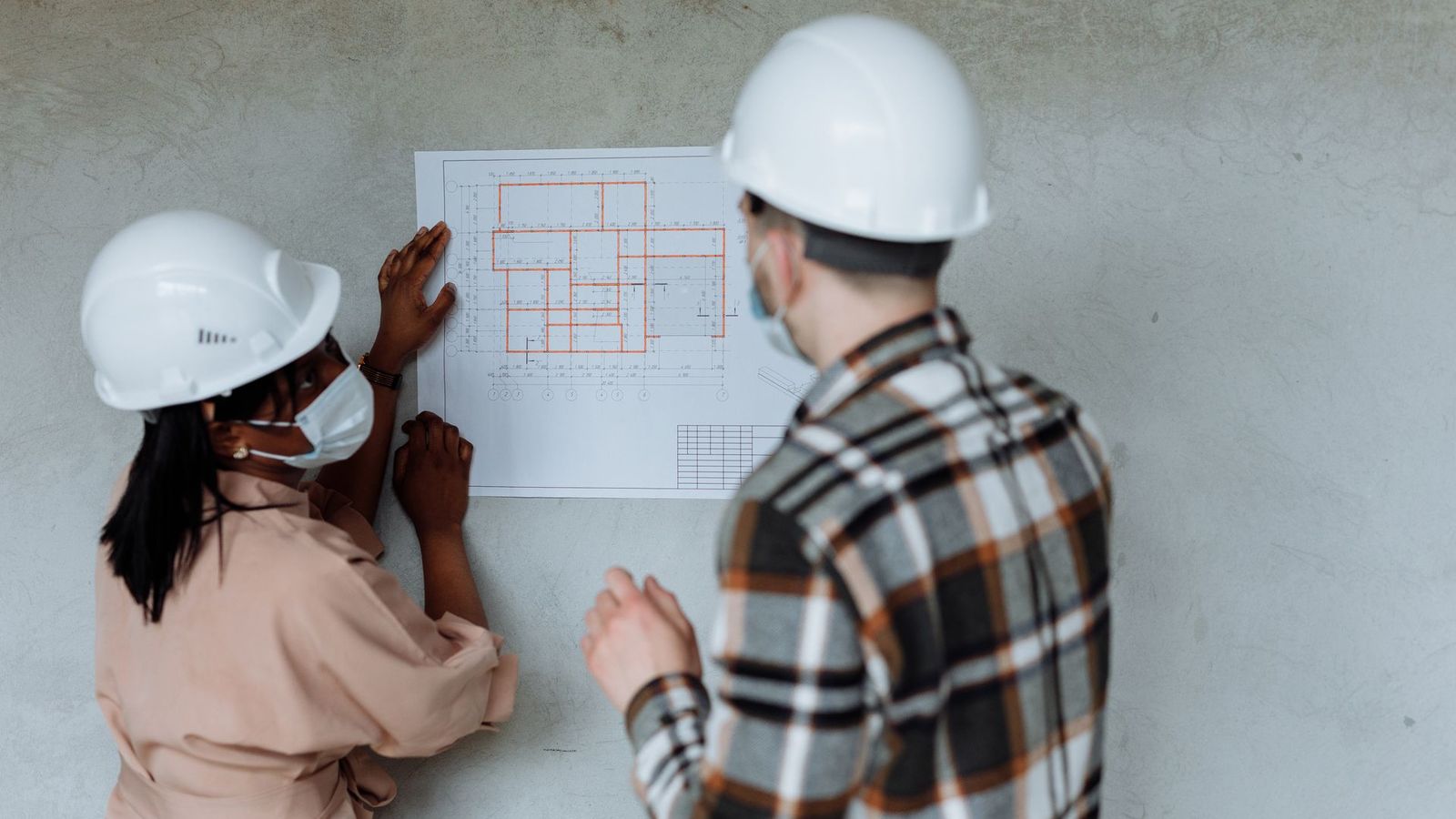
When an owner, developer or architect considers your company for a project, one of the first things they do is visit your website. They're looking for evidence: Have you built projects like theirs? Are you safe? Do you have the capacity? Who will run the job?
A commercial construction website isn't a lead-generation brochure. It's a credibility tool used during shortlisting, prequalification and selection. This guide covers what a commercial construction website needs to win trust.
Design for How Commercial Buyers Use Your Site
Commercial visitors usually want to:
- 1. Confirm you've built projects similar to theirs.
- 2. Assess your size, capacity and stability.
- 3. Review your safety record and programs.
- 4. Learn who leads your company and projects.
- 5. Find prequalification information and contacts.
Your website should make each of these tasks fast and easy.
1. A Clear Positioning Statement
The home page should immediately state:
- What you build (sectors and services).
- Where you build.
- Why clients choose you.
2. Navigation by Sector and Service
Commercial buyers think in sectors. Organize your site so they can find relevant work in one click:
- Sectors: healthcare, education, industrial, retail, office, multifamily, public.
- Services: general contracting, construction management, design-build, preconstruction, tenant improvements, self-perform.
3. A Filterable Project Portfolio
Your portfolio is the heart of the site.
- Filter by sector, service, delivery method and size.
- Each project page includes: client type, location, size, value range (if shareable), schedule, scope, challenges, solutions, photos and a testimonial.
Professional photography is worth the investment.
4. Detailed Case Studies
5. Safety Front and Center
Safety performance is often a prequalification requirement. Include:
- Safety philosophy and programs.
- Training and certifications.
- Safety metrics you're comfortable publishing.
- Recognition and awards.
6. Leadership and Team
Owners want to know who will be accountable:
- Leadership bios.
- Project managers and superintendents, with relevant experience.
- Preconstruction and estimating team.
Real photos of real people build trust.
7. Capability Statement and Prequalification Information
Make it easy for procurement teams:
- Downloadable capability statement.
- Licenses and bonding capacity information.
- Insurance information (or how to request it).
- Certifications such as small business or minority-owned designations, if applicable.
- SAM.gov registration details for federal work, if relevant.
8. Clear Contact and Bid Inquiry Paths
- A contact page with the right contacts for project inquiries, bid invitations, vendor and subcontractor registration, and media.
- A project inquiry form that asks about project type, location, timeline and delivery method.
- A subcontractor prequalification form, if you're a GC.
9. Thought Leadership
- Cost and market updates.
- Delivery method guides.
- Planning guides for facility types.
This supports SEO and demonstrates expertise.
10. Careers
11. Performance and Technical Quality
- Speed: compress large photos and use modern image formats. Google's Core Web Vitals guidance suggests loading the main content within 2.5 seconds.
- Mobile: many executives browse on phones and tablets. Google uses the mobile version of your site for indexing and ranking.
- Accessibility: follow WCAG guidelines so the site works for all users, which is often important for public-sector clients.
- Security: HTTPS and a well-maintained platform.
- Easy updates: a content management system that lets your team add projects quickly.
12. Structured Data and SEO Foundations
- Unique titles and descriptions.
- Organization structured data.
- Clear internal linking between sectors, services and projects.
Common Commercial Website Mistakes
- A portfolio with photos but no project details.
- No way to filter projects by sector.
- Outdated projects and team members.
- Missing safety information.
- No downloadable capability statement.
- Slow, image-heavy pages.
- Generic stock photos.
Frequently Asked Questions
How often should commercial contractors update their websites?
Add projects as they complete, update team pages as people change and review the whole site at least annually.
Should we publish project values?
Only if clients permit it. Value ranges or project size often provide enough context.
Does a commercial construction website need to generate leads?
It supports lead generation, but its primary role is building credibility during shortlisting and prequalification.
Build a Website That Wins Trust
Adwebvertising designs commercial construction websites that showcase experience, safety and capability. Our free marketing audit reviews your website from a buyer's perspective. Contact us to request your free audit.
Get a Free AuditSources
- web.dev: Web Vitals
Google's Core Web Vitals: the loading, responsiveness and stability measures behind a good page experience.
- Google Search Central: Mobile site and mobile-first indexing best practices
Google's guidance on mobile-first indexing and making your site work well on phones.
- W3C Web Accessibility Initiative: WCAG 2 Overview
The W3C overview of WCAG, the standard for making websites usable for people with disabilities.
- Google Search Central: Organization structured data
Google's guide to marking up your company's name, logo and contact details for search.
- SAM.gov: System for Award Management
The official U.S. government site for registering to bid on federal contracts.
- U.S. Small Business Administration: Federal contracting
The SBA's guide to how small businesses can win federal government contracts.